|
|
||||||||||||||
LESSON 2
|
||||||||||||||
|
When you have common printing errors it can
be very frustrating. |
||||||||||||||
|
** Images are thumbnails for loading speed. Because of this they may appear blurry. Please just click on a picture to see a larger and clearer image |
||||||||||||||
|
||||||||||||||
|
|
||||||||||||||
| HP 700: | ||||||||||||||
| Out of Paper Error - | ||||||||||||||
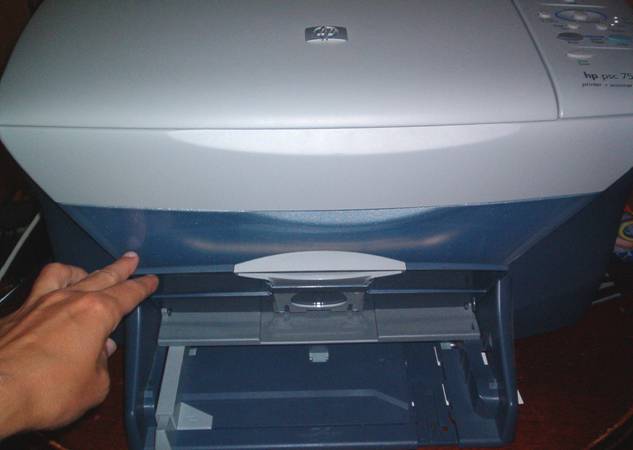
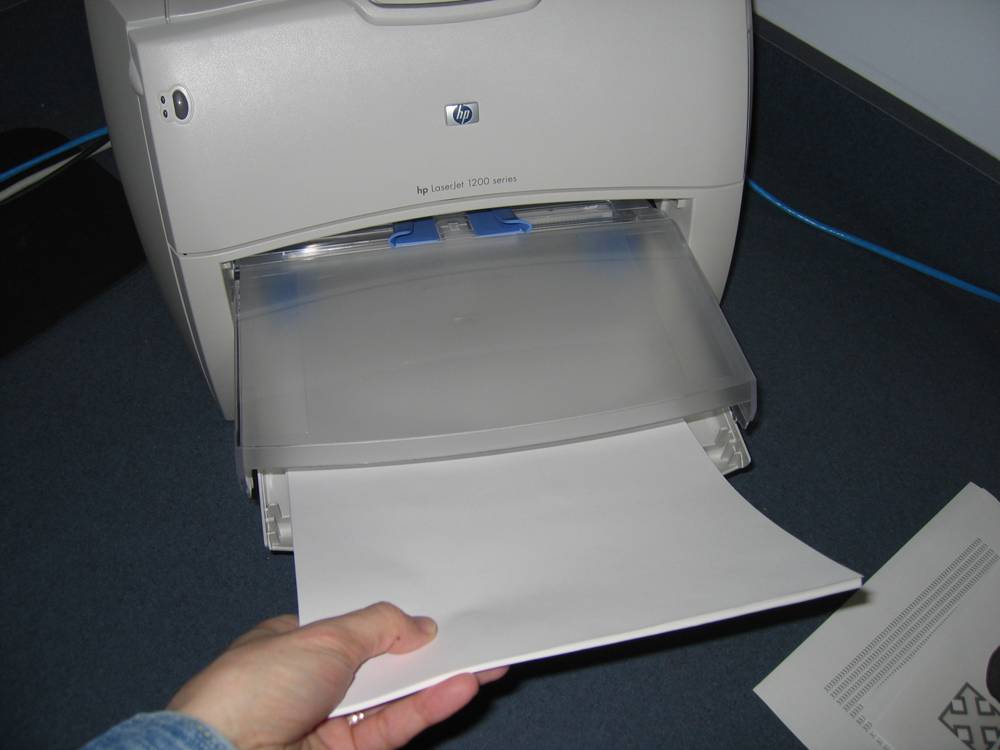
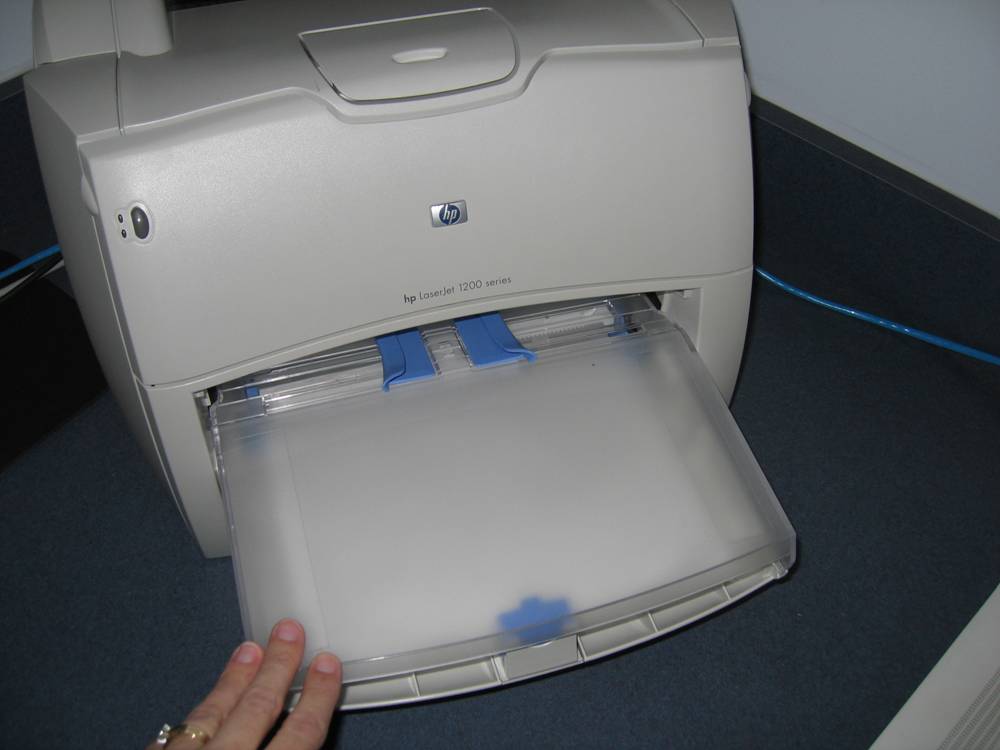
| Lift the top part of the paper feeder slightly to make room for your stack of papers |
|
|||||||||||||
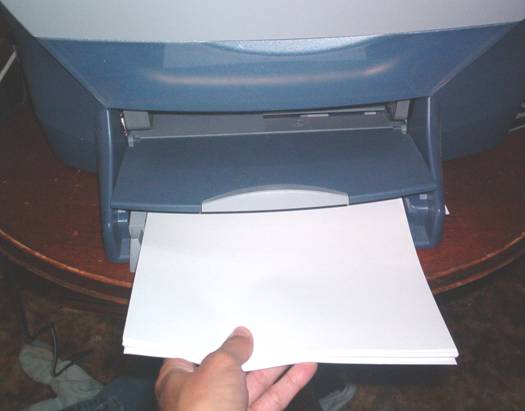
| Slide in the stack of papers slowly, making sure to press the stack to the back of the printer. |
|
|||||||||||||
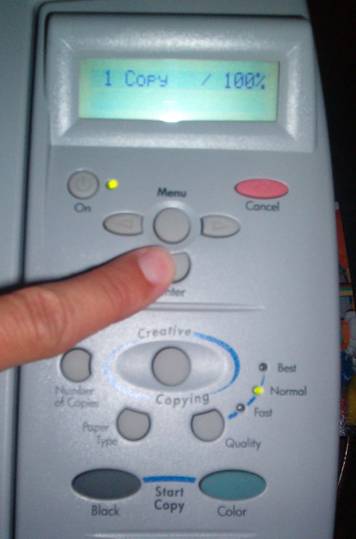
| Press the "Enter" button one time, and click continue on your computer screen. |
|
|||||||||||||
| Back to Top | ||||||||||||||
| HP 4100: | ||||||||||||||
| Out of Paper Error- | ||||||||||||||
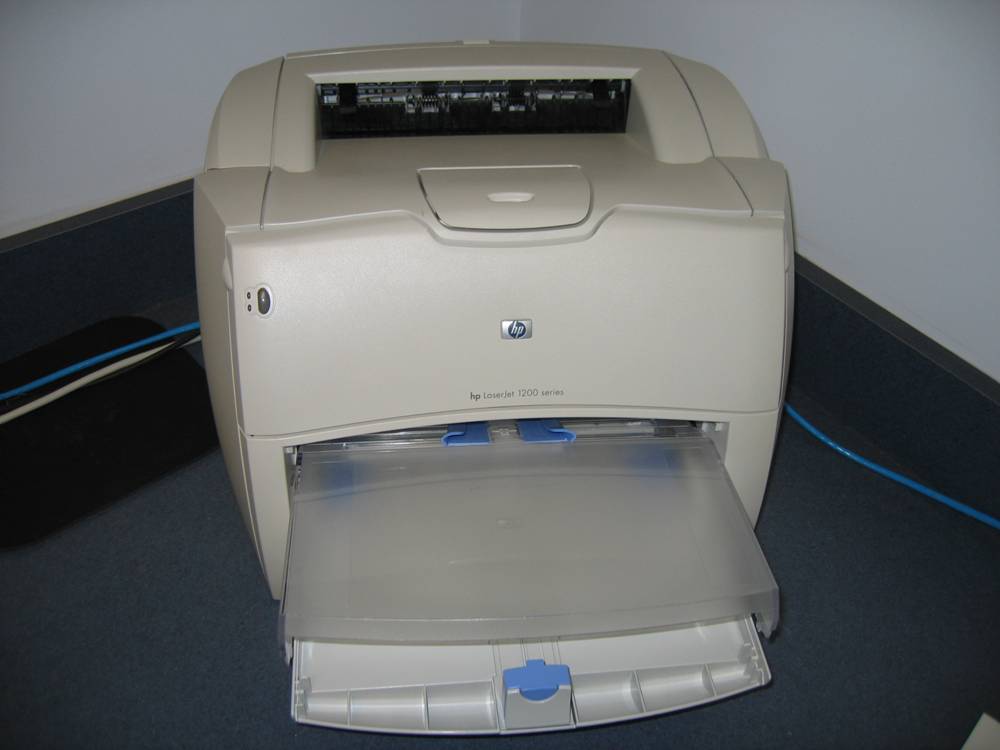
| Lift up clear plastic cover from the paper tray. |
|
|||||||||||||
| Load in stack of paper, making sure to push paper to the back of the printer. |
|
|||||||||||||
| Close plastic cover, and press "GO" button. |
|
|||||||||||||
| Delete any error
messages and send document to print again.
|
||||||||||||||
| Back to Top | ||||||||||||||
| HP 700: | ||||||||||||||
| Printer is not responding - | ||||||||||||||
| Follow these simple steps... | ||||||||||||||
| 1. Push power button on the printer | ||||||||||||||
| 2. Unplug printer for 3 seconds | ||||||||||||||
| 3. Plug in Printer | ||||||||||||||
| 4. Turn Printer on | ||||||||||||||
| 5. Close error window | ||||||||||||||
| 6. Reissue print
command
|
||||||||||||||
| Back to Top | ||||||||||||||
| HP 4100: | ||||||||||||||
| Printer is not responding- | ||||||||||||||
| Follow these simple steps... | ||||||||||||||
| 1. Press Power button on Printer | ||||||||||||||
| 2. Unplug Networking cable | ||||||||||||||
| 3. Re-plug Networking cable | ||||||||||||||
| 4. Power Printer back-on | ||||||||||||||
| 5. Reissue print
command
|
||||||||||||||
| Back to Top | ||||||||||||||
|
|
Lessons:
|
|||||||||||||